
Turn a Photo into a Canva-Style Design
Turn the attached photo into a clean, Canva-style design for [Instagram post / flyer / ad / banner]. Keep the main photo clear, well-lit, and easy to see as the hero element. Use a simple, balanced layout with good spac…
Original copy-ready text
Turn the attached photo into a clean, Canva-style design for [Instagram post / flyer / ad / banner].
Keep the main photo clear, well-lit, and easy to see as the hero element.
Use a simple, balanced layout with good spacing and alignment.
Use no more than two complementary fonts — one for the headline, one for the body text.
Build the color palette from tones already present in the photo so everything matches naturally.
Add this headline: [headline]
Add this short text: [text]
Add subtle design accents (shapes, overlays, or frames) only where they improve readability.
Make the final design look polished, modern, on-brand, and ready to post.
Sample image
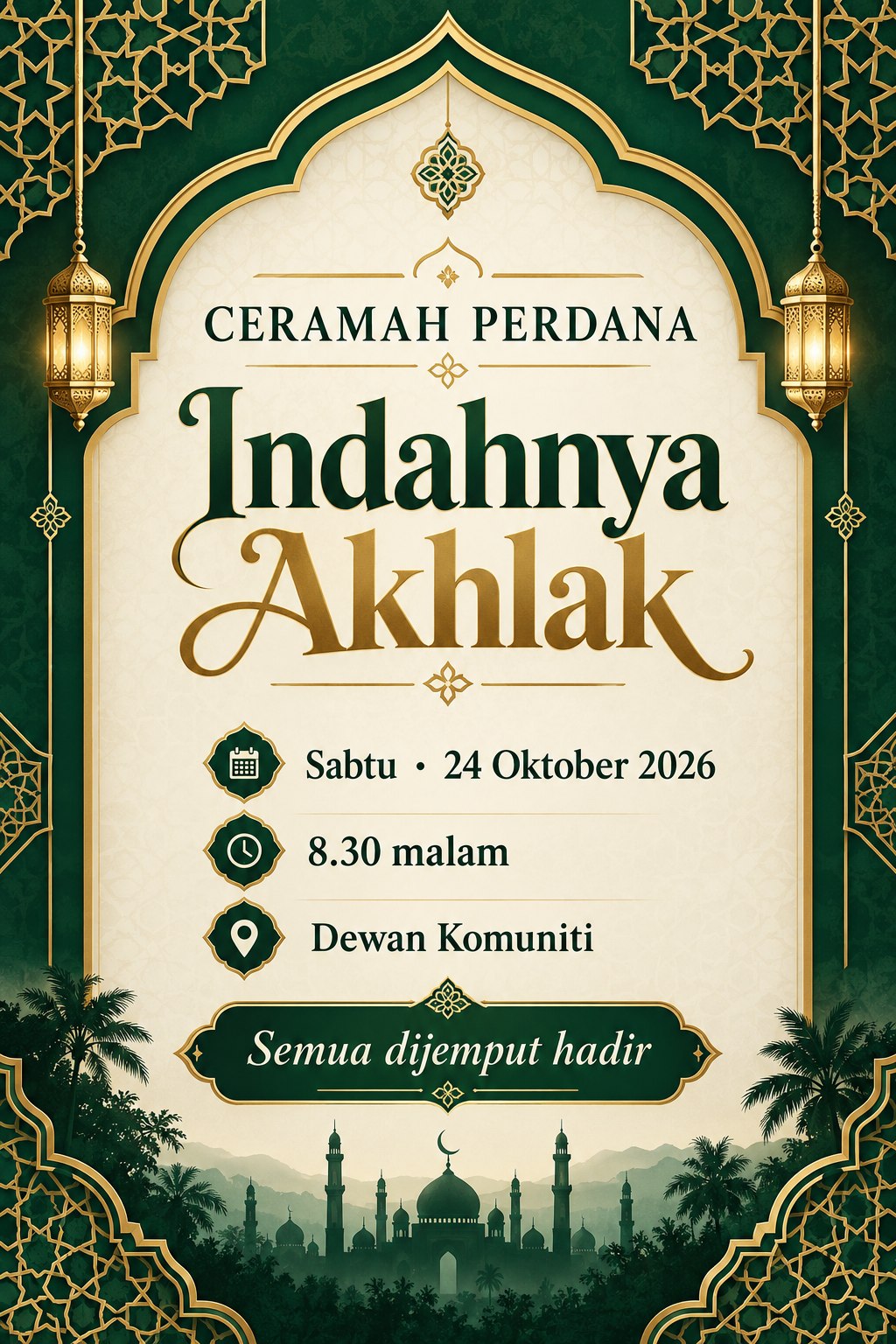
Exact prompt text from the public post or author comment · Attribution: Kelas Multimedia