
Remove the Background
Remove the background from the attached image and make it fully transparent (PNG with alpha channel). Keep the main subject exactly the same — do not alter its shape, proportions, colors, texture, or any small details.…
Original copy-ready text
Remove the background from the attached image and make it fully transparent (PNG with alpha channel).
Keep the main subject exactly the same — do not alter its shape, proportions, colors, texture, or any small details.
Preserve fine edges such as hair, fur, fabric fibers, and semi-transparent areas.
Cut out the subject cleanly with sharp, precise edges — no halo, no leftover background pixels, no jagged outlines.
Do not add blur, glow, drop shadows, or artificial smoothing.
Do not crop, resize, or recompose the image.
Keep the original resolution and image quality.
Sample image
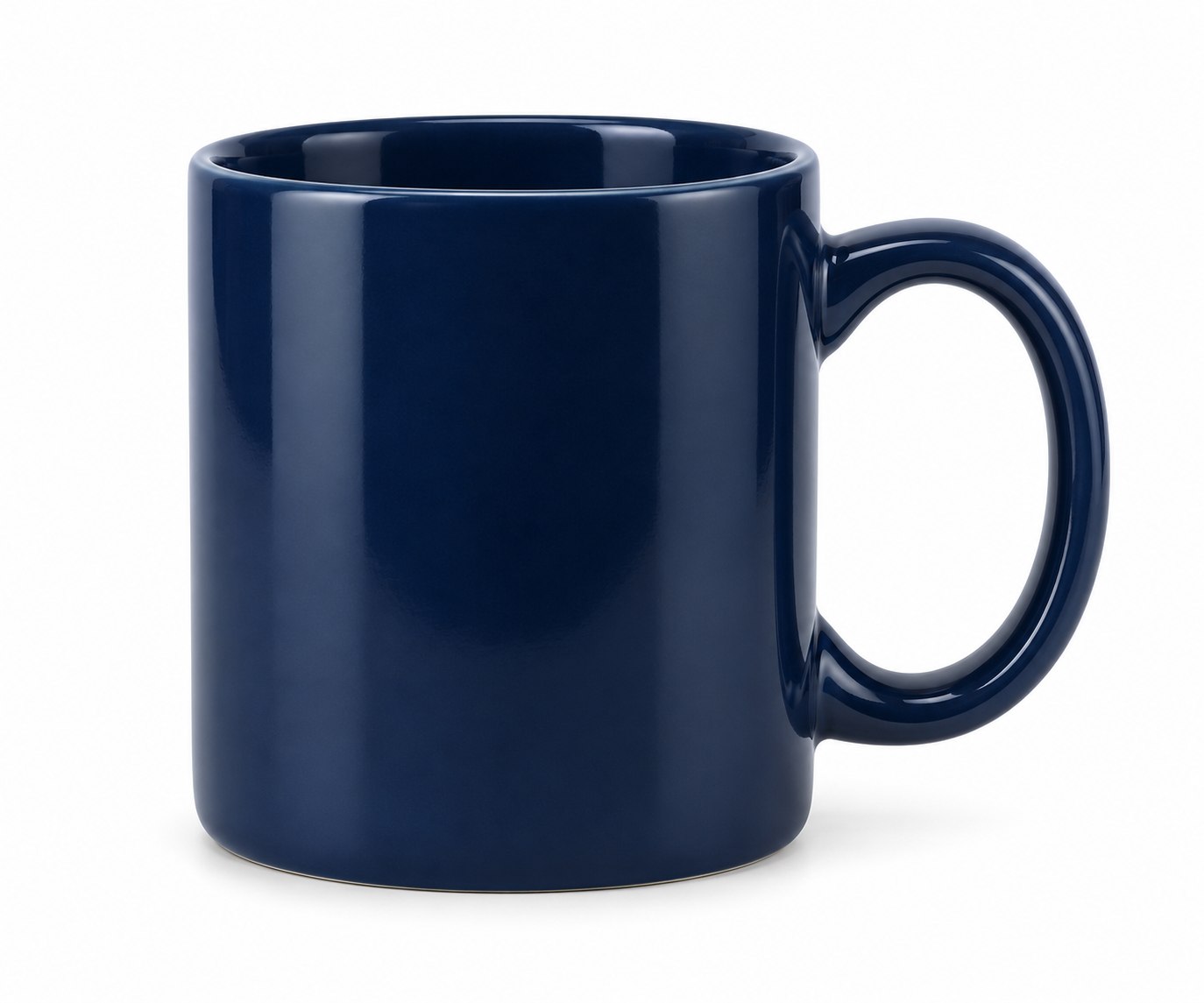
Exact prompt text from the public post or author comment · Attribution: Kelas Multimedia