
Sharpen a Blurry Portrait
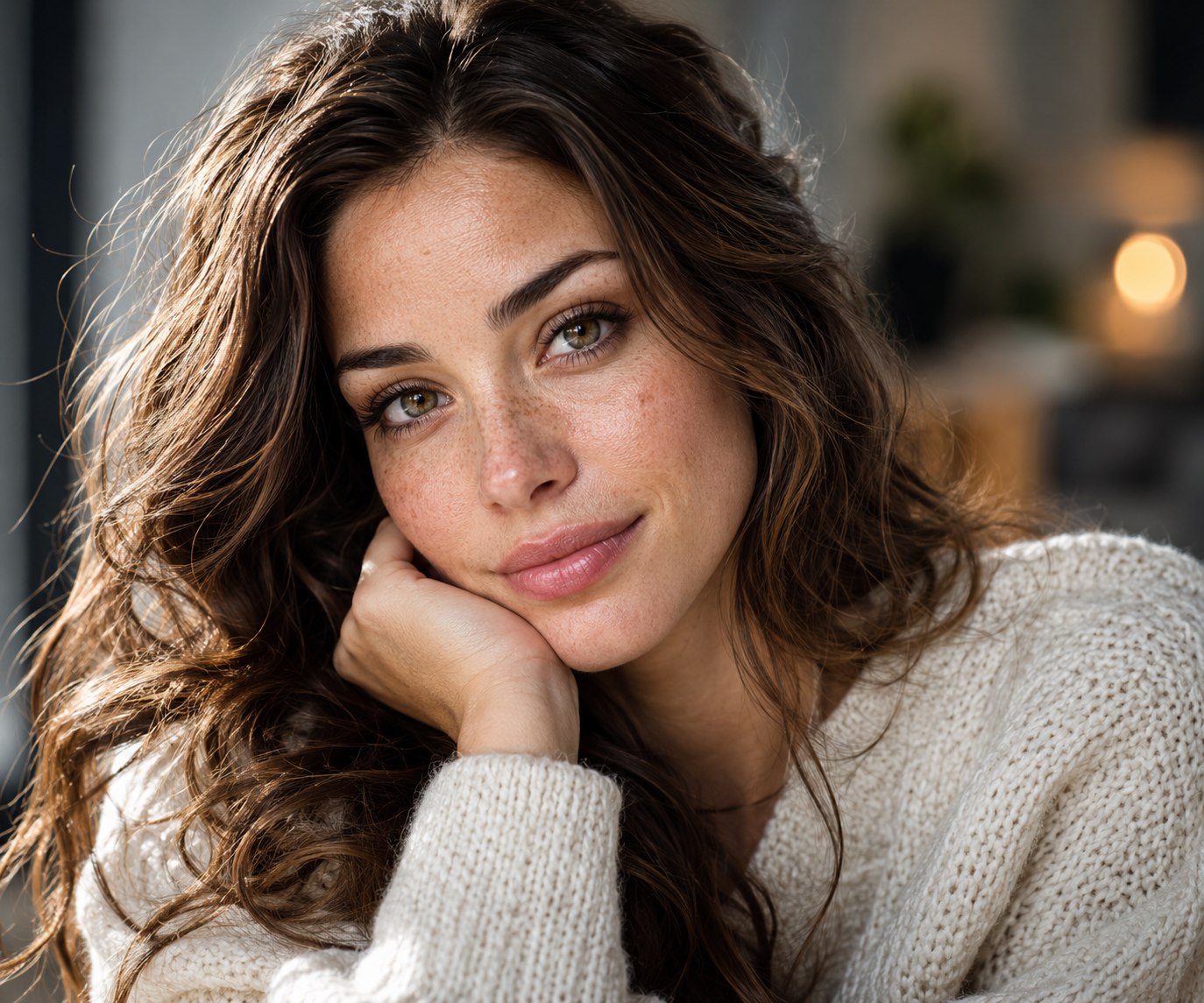
Enhance this blurry portrait into an ultra-sharp, high-quality, photorealistic professional photograph. Restore natural facial detail and accurate focus while carefully improving overall clarity, exposure, lighting, con…
Original copy-ready text
Enhance this blurry portrait into an ultra-sharp, high-quality, photorealistic professional photograph.
Restore natural facial detail and accurate focus while carefully improving overall clarity, exposure, lighting, contrast, white balance, and tonal balance. Reduce motion blur, optical softness, digital noise, grain, compression artifacts, pixelation, and unwanted haze. Recover realistic fine details in the eyes, eyebrows, eyelashes, hair strands, skin, lips, and clothing while keeping the texture natural and physically believable.
Preserve the subject’s exact identity and original appearance with absolute priority. Do not modify facial structure, facial proportions, facial features, face shape, skin tone, natural skin texture, expression, age, hairstyle, body proportions, pose, or any unique identifying characteristics.
Do not invent missing facial details or reconstruct the face into a different person. Avoid beauty filters, face enhancement presets, artificial skin smoothing, plastic-looking skin, excessive sharpening, halos, oversharpening, unrealistic pores, or stylization.
The final image must look like the exact same original photograph captured with a premium professional camera and high-quality lens, with precise focus, natural detail, realistic skin texture, and clean high-resolution output.
Sample image
Exact prompt text from the public post or author comment · Attribution: Kelas Multimedia